

How do I reset the Bluetooth Stereo Speaker 10W?
May 26, 2025
Leave a message
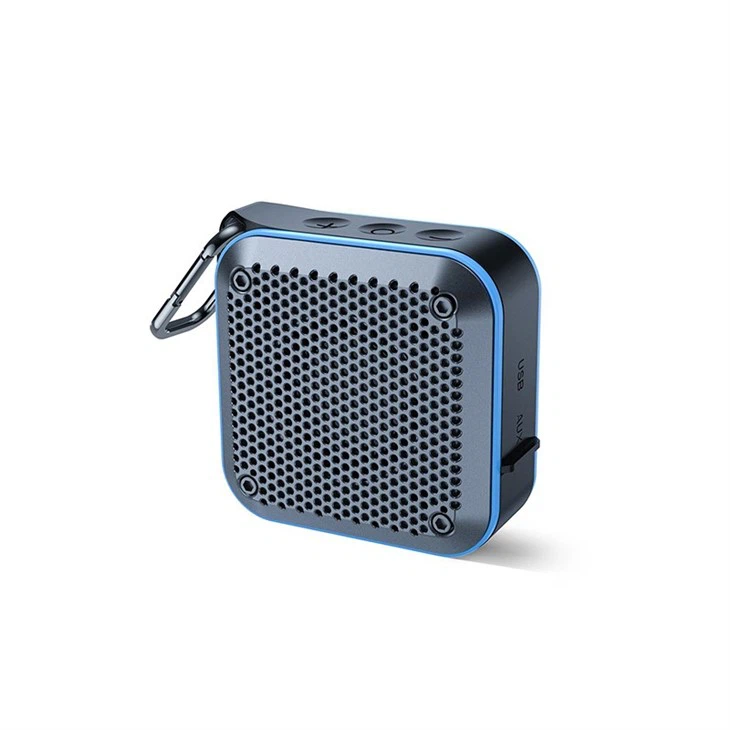
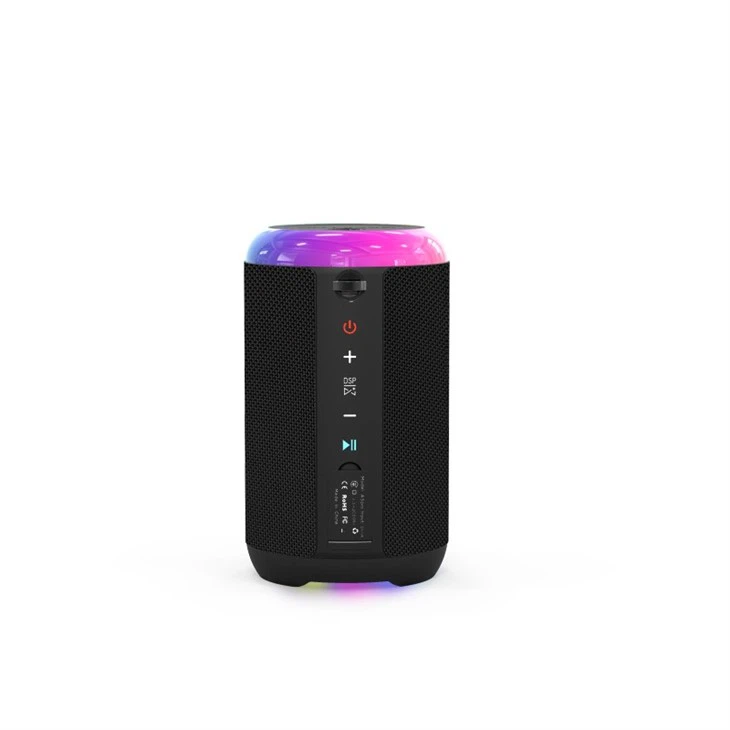
Hey there! If you're the proud owner of a 10W Bluetooth Stereo Speaker, you might run into situations where you need to reset it. As a supplier of these awesome speakers, I've got all the tips and tricks to help you through the reset process.
Why You Might Need to Reset Your Speaker
First off, let's talk about why you'd even want to reset your 10W Bluetooth Stereo Speaker. Sometimes, the speaker might act up. Maybe it won't connect to your device like it should, or the sound quality starts to go downhill. It could also be that you're having trouble pairing it with a new device. In these cases, a reset can often fix the issues and get your speaker back to working like a charm.
The Reset Process
Now, let's get into how to actually reset your 10W Bluetooth Stereo Speaker. The steps can vary a bit depending on the specific model, but I'll cover the general process that works for most of our speakers.
Step 1: Power Off the Speaker
The first thing you need to do is turn off your speaker. This might seem obvious, but it's an important step. Usually, there's a power button on the speaker. Just press and hold it for a few seconds until the speaker turns off. You'll know it's off when the indicator lights go out.
Step 2: Find the Reset Button
Next, you've got to locate the reset button. On most of our 10W Bluetooth Stereo Speakers, the reset button is a small, recessed button. You might need a paperclip or a similar thin object to press it. Look for a tiny hole on the speaker. That's probably where the reset button is.
Step 3: Press and Hold the Reset Button
Once you've found the reset button, use your paperclip to press and hold it. You'll need to hold it for about 10 - 15 seconds. While you're holding the button, you might notice the indicator lights flashing or doing something strange. That's normal - it means the reset process is working.
Step 4: Release the Reset Button
After 10 - 15 seconds, let go of the reset button. At this point, the speaker should be reset. You might see the indicator lights stop flashing and then come back on. This indicates that the speaker has restarted and is ready to be paired with your device again.
Step 5: Pair Your Device
Now that the speaker is reset, it's time to pair it with your device. Turn on the Bluetooth function on your phone, tablet, or whatever device you want to connect it to. Then, search for available Bluetooth devices. Your 10W Bluetooth Stereo Speaker should show up in the list. Select it, and if prompted, enter the pairing code (usually 0000 or 1234). Once it's paired, you should be able to play music and enjoy great sound quality.
Troubleshooting
Sometimes, the reset process might not go as smoothly as planned. Here are some common issues and how to fix them:
The Speaker Won't Turn Off
If you're having trouble turning off the speaker, try holding the power button for a longer time. Sometimes, it can take up to 10 seconds for the speaker to shut down. If that doesn't work, remove the battery (if it's removable) and then put it back in after a few seconds.
The Reset Button Doesn't Seem to Work
If pressing the reset button doesn't seem to do anything, make sure you're using a thin enough object to press it. You might also want to check if there's any debris or dirt in the reset hole. Use a can of compressed air to blow out any dust.
Can't Pair the Speaker After Reset
If you're having trouble pairing the speaker after resetting it, make sure your device's Bluetooth is turned on and in discovery mode. You might also want to try restarting your device. If the problem persists, contact our customer support for further assistance.
Our Range of Bluetooth Speakers
As a supplier of 10W Bluetooth Stereo Speakers, we offer a wide range of products to suit different needs. If you're looking for a speaker for your travels, check out our Travel Bluetooth Speaker. It's lightweight and portable, perfect for taking on the go.
If sound quality is your top priority, our Bluetooth Speaker With Good Sound Quality is the way to go. It's designed to deliver crisp, clear sound and powerful bass.
And if you're short on space, our Compact Speaker is a great option. It's small but mighty, packing a punch in terms of sound.
Contact Us for Purchasing
If you're interested in purchasing our 10W Bluetooth Stereo Speakers or any of our other products, we'd love to hear from you. Whether you're a retailer looking to stock our speakers or an individual consumer, we can offer competitive prices and great customer service. Get in touch with us to start the purchasing process and bring high - quality Bluetooth speakers into your life.
References
- General knowledge of Bluetooth speaker technology and troubleshooting.
- Internal product manuals and specifications of our 10W Bluetooth Stereo Speakers.